
Start once. The timer runs the rest.
A timer that waits for a tap at the end of every round breaks the rhythm it is meant to keep. SliceFocus moves from work to break and back by itself, on every device you use. Free on iPhone and Mac.
What it does
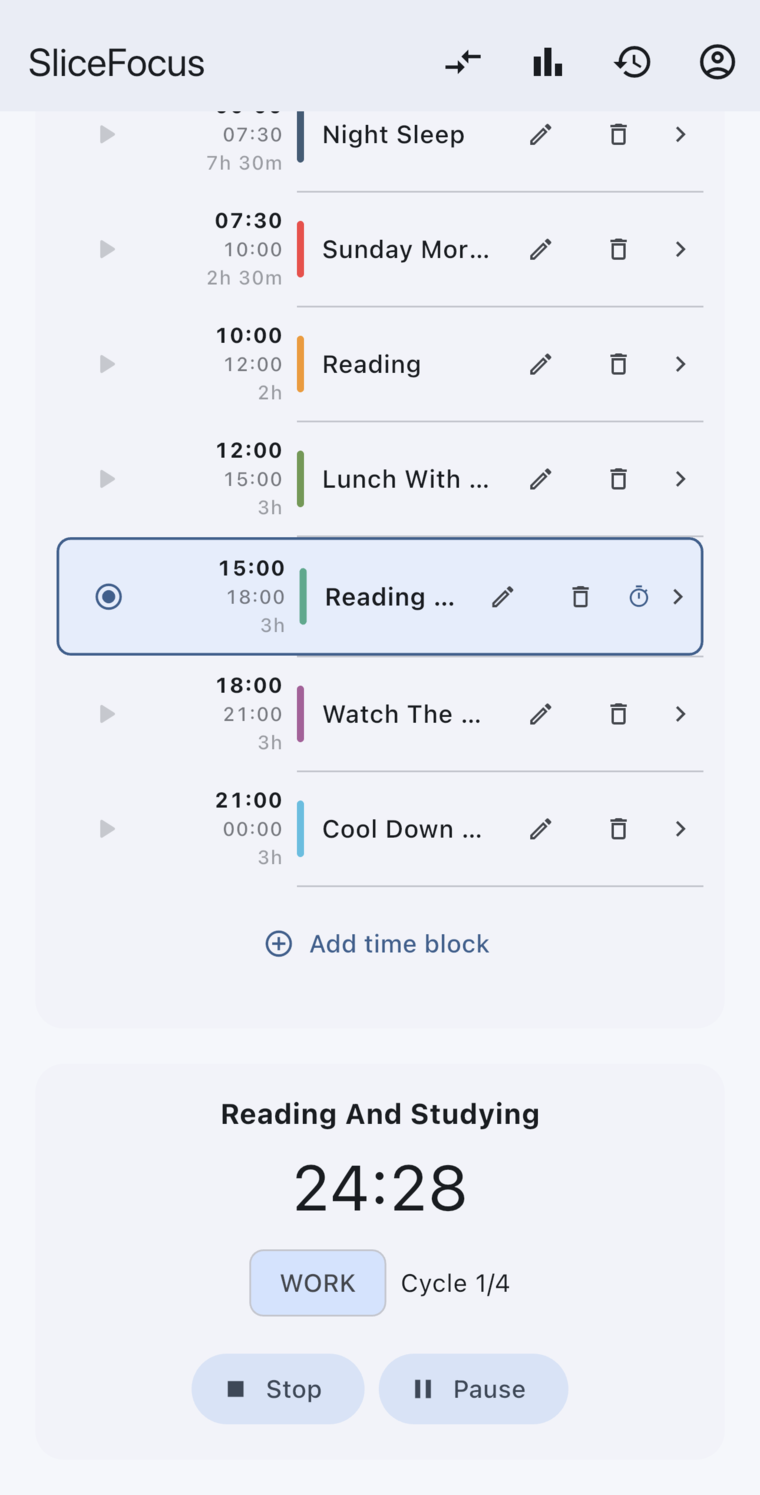
- Runs the rounds for you. 25 minutes of work, a 5-minute break, and a 15-minute break after four rounds. You can change every length in Settings, and turn the automatic move off if you want to tap.
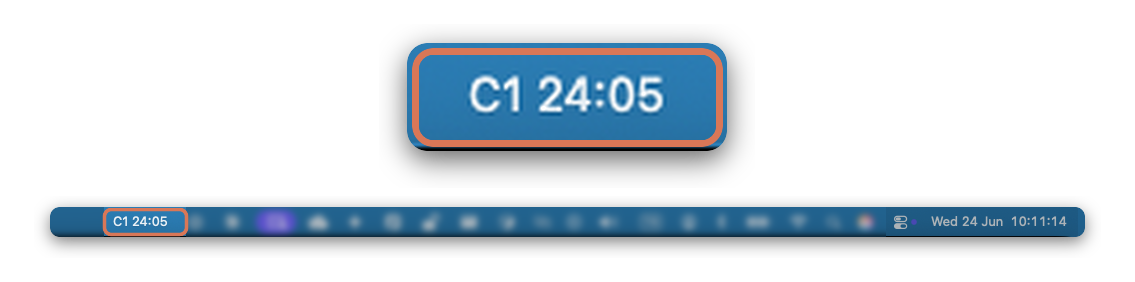
- Stays in sight. The countdown shows on the iPhone lock screen and in the Mac menu bar, with no window open.
- One timer on every device. Signed in on your iPhone and your Mac, you start on one and see it on the other. Pause on one, and the other follows.
- Tells you once. One notification when each round ends.
- Sound if you want it. White, brown or pink noise that pauses with the timer.
- Works with or without a plan. Start a timer on a block from your day, or tap Start Focus Session for one on its own. If you are still working when a block’s planned time is up, the timer keeps going and the block stretches to match.
Good to know
- A Mac window that is open but not in front can take up to a minute to show a change. The lock screen and the menu bar follow within seconds.
- You can start without an account. One timer across devices needs signing in on each.
Free on iPhone and Mac. No ads, nothing to buy, no sign-up to start.
