
See where your day actually went.
A plan shows what you meant to do. SliceFocus also keeps what you did, and lays one over the other. Free on iPhone and Mac.
What you can look at
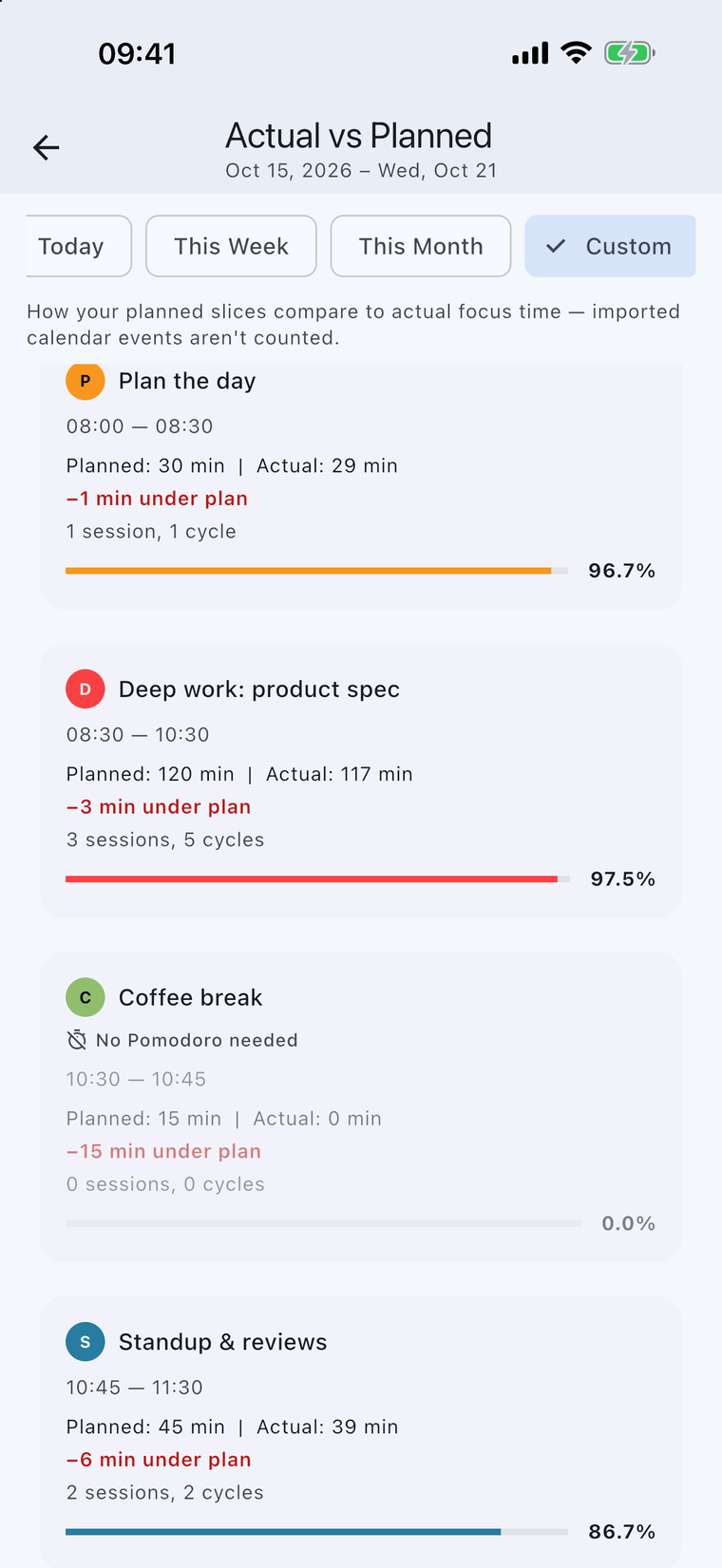
- Actual vs Planned. The focus time you logged, laid over the blocks you planned, day by day.
- Session history. Every session you finished.
- Trends. Focus minutes per day, and by week and month, split by category.
- A weekly recap. An optional summary of your focus week every Monday.
Good to know
- “Actual” means time you spent with the timer running. The app does not watch what you do in the background, so time without the timer is not counted.
- Calendar events you imported are not counted as planned blocks here.
- If you sign in, your history follows you to your other devices.
Free on iPhone and Mac. No ads, nothing to buy, no sign-up to start.
